Sensory-Friendly Movie Night at Home
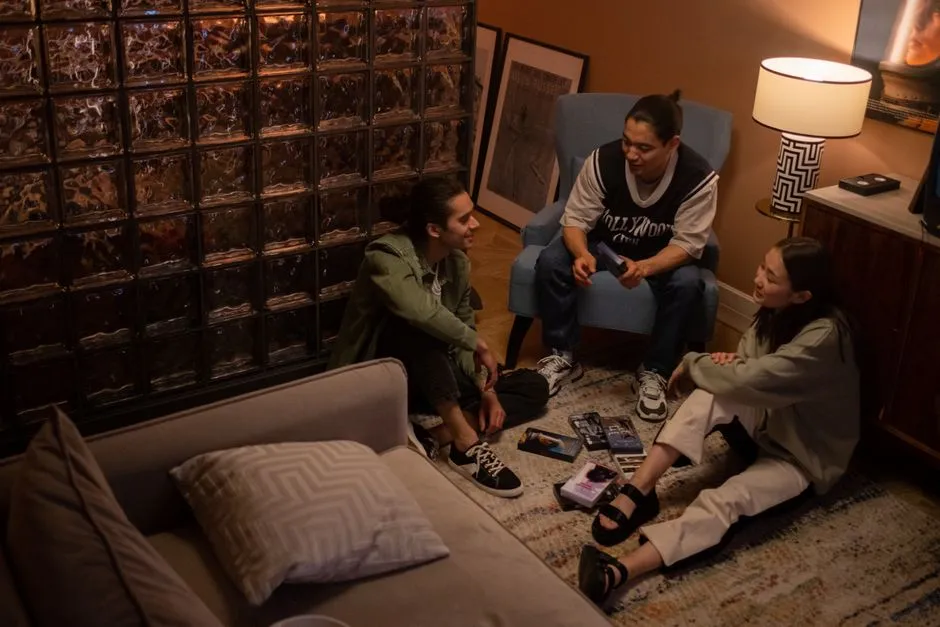
A sensory-friendly movie night makes settings adjustable
There is no single low-sensory setup that suits everyone. Ask viewers what helps: lower volume, captions, some light, movement, distance from the screen, a familiar seat, advance notice of intense moments, or permission to leave. Choice is the central feature.
Test sound and picture first
Set dialogue at a comfortable level and keep the remote accessible. Loud effects may still jump above conversation, so be ready to adjust. Captions can support lower volume; our caption guide explains the options.
Reduce screen brightness or motion settings only through controls you understand, and avoid altering the image so far that important action disappears. Check current content information for flashing imagery or other stated concerns. Individual medical questions require qualified professional advice.
Keep gentle light and clear space
Use indirect room light if darkness is uncomfortable. Prevent screen glare and keep walking paths visible. Arrange seating at different distances and allow standing, pacing, rocking, quiet fidgets, headphones or hearing protection when appropriate and safely used.
Provide familiar comfort items and clothing without demanding a themed setup. The sensory benefit comes from predictability and control, not from purchasing a blanket with strong opinions about cinema.
Preview the structure
Tell viewers the runtime, expected break points, and broad kinds of intense scenes without unwanted spoilers. Agree on pause, lower-volume, and stop signals. Use the movie-break guide to make those choices ordinary rather than disruptive.
If trailers or platform previews are unpredictable, skip them. Start from the film's page after settings are ready. Disable autoplay when possible so the ending is not followed by a sudden advertisement or unrelated clip.
Support regulation without policing it
Do not require eye contact with the screen, stillness, or silence as proof of attention. A viewer may listen while moving or briefly look away during intensity. Ask before touching or moving a person's comfort item.
Offer snacks and drinks suited to individual dietary and sensory needs. Avoid strong smells or crunchy foods if they bother someone in the group. Make a quiet area available when practical.
Review what worked
Afterward, ask one practical question: “What should we keep or change next time?” Note volume, light, seating, captions, timing, and film features. Combine the result with the family movie-night checklist.
Stopping is a successful use of the plan when continuing is uncomfortable. Sensory-friendly viewing is not a promise that nobody will react. It is a setup that gives people understandable options when they do.
At home, flexibility is the great advantage. Use it. The film does not know whether someone watched from the couch, floor, doorway, or a carefully negotiated nest of cushions.
Share the plan with guests
Tell visiting family or friends that movement, captions, pauses, and leaving are expected parts of the event. This prevents well-meant shushing or questions that place one viewer under a spotlight. Ask guests about their own needs too; an accessible plan belongs to the group.
Keep adjustments simple enough to repeat. A setup that requires twenty fragile devices may create more uncertainty than it solves. Write down the few settings that worked so the next movie begins from useful knowledge rather than another experiment.